Introduction
Eye exercises for digital screen strain are simple, evidence-informed practices that help relieve eye fatigue and improve comfort for frequent screen users. If you spend hours on computers, tablets, or phones, integrating targeted eye stretches and visual breaks can reduce symptoms of digital eye strain and support long-term ocular comfort.
As a health consultant with over a decade of experience advising patients and producing medically reviewed eye health content, I combine practical ergonomics and clinically backed exercise strategies to create routines that work for real workdays.
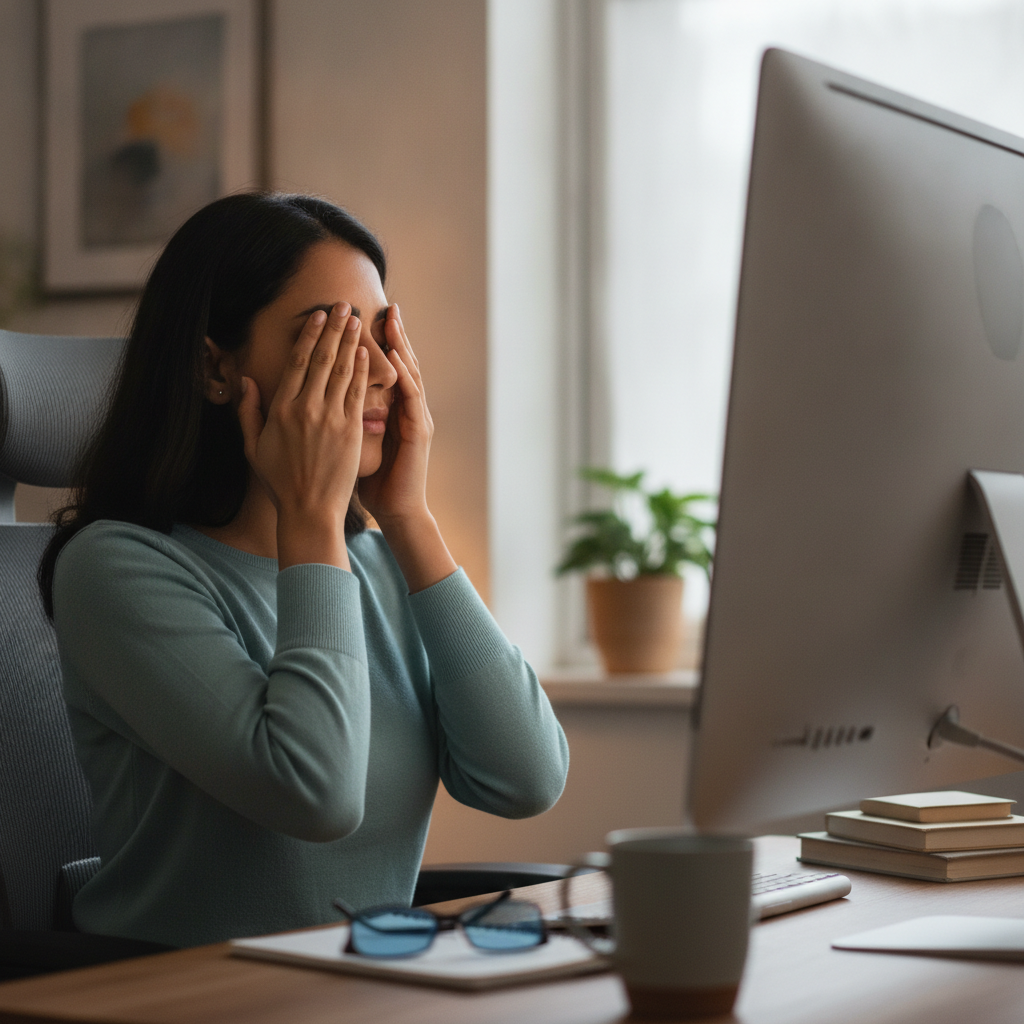
What is digital screen strain and why it happens
Digital screen strain, often called computer vision syndrome, is a collection of symptoms including eye fatigue, dryness, blurred vision, and headaches that arise from prolonged screen use. The condition is driven by reduced blink rate, near-focused visual tasks, poor lighting, glare, and incorrect screen positioning.
Professional organizations such as the American Optometric Association and the American Academy of Ophthalmology recommend visual hygiene and regular breaks to prevent and manage these symptoms.
Benefits of eye exercises for screen-related eye fatigue
Eye exercises do not cure underlying eye disease, but they can reduce symptoms by improving blink rates, relieving accommodative stress, and promoting blood flow to periocular muscles. When combined with ergonomic adjustments and regular breaks, exercises can decrease headaches, reduce eye soreness, and make long screen sessions more tolerable.
How to use these exercises safely
Perform exercises gently and stop if you experience sharp pain, sudden changes in vision, or persistent dizziness. These practices are intended for symptomatic relief and should not replace medical evaluation when symptoms are severe or new.
If you have pre-existing eye conditions (strabismus, recent eye surgery, glaucoma, or retinal disease) check with your eye care provider before starting a new eye exercise routine.
Daily routine: a simple plan to follow
Combine short micro-breaks with a 5–10 minute exercise routine once or twice daily. Aim to follow the 20-20-20 rule during prolonged sessions: every 20 minutes, look at something 20 feet away for at least 20 seconds. This reduces accommodative strain and refreshes focus.
Below are step-by-step exercises you can do at your desk without special equipment.
Core eye exercises (step-by-step)
1. 20-20-20 focus break
Instructions: Every 20 minutes, look at an object at least 20 feet away for 20 seconds. If 20 feet is not practical, look across the room to the farthest point you can see clearly.
Why it helps: Gives the ciliary muscles a chance to relax and reduces near-focus fatigue.
2. Slow near-far focusing
Instructions: Hold a small object (pen or thumb) about 10 inches from your eyes. Focus on it for 5 seconds, then shift focus to something 10–20 feet away for 5 seconds. Repeat 10 times.
Why it helps: Trains accommodative flexibility and reduces difficulty refocusing between screen and distance.
3. Blink and relax (blink break)
Instructions: For 30 seconds, deliberately blink slowly and fully every 2–3 seconds. After 30 seconds, close your eyes gently and rest for 10 seconds (palming).
Why it helps: Restores tear film and reduces dryness caused by reduced blink rate while staring at screens.
4. Eye rolls and figure-eight
Instructions: With head still, slowly roll your eyes clockwise 5 times, then counterclockwise 5 times. Next, visualize a large horizontal figure eight and trace it with your eyes for 1 minute.
Why it helps: Mobilizes extraocular muscles to relieve stiffness and improve ocular range of motion.
5. Corner gaze (peripheral awareness)
Instructions: Sit comfortably and look straight ahead. Without moving your head, try to notice objects in the peripheral left, right, top, and bottom fields for 3–5 seconds each. Repeat twice.
Why it helps: Strengthens peripheral visual awareness and reduces central overuse from constant screen focusing.
Quick desk-friendly micro-breaks (30–60 seconds)
- Palming: Rub palms, cup them lightly over closed eyes for 20–30 seconds to block light and relax.
- Neck and shoulder shrug: Tension in neck/shoulders contributes to eye strain—do gentle shoulder rolls for 15–30 seconds.
- Screen distance check: Every hour, confirm your screen is arm’s length away and top of screen at or slightly below eye level.
Ergonomic and lifestyle tips to boost results
Exercises are most effective when paired with proper workstation setup and healthy habits. Keep screens about 20–28 inches from your eyes and position the top of the monitor at or slightly below eye height. Reduce glare with screen filters and control ambient lighting.
Increase ambient humidity or use artificial tears for persistent dryness. Limit continuous screen sessions—schedule short breaks or alternate tasks to reduce cumulative strain.
When to consult an eye care professional
See an optometrist or ophthalmologist if you experience persistent blurred vision, double vision, eye pain, sudden vision loss, or if symptoms do not improve after ergonomic adjustments and regular exercises. Professional assessment can rule out refractive errors, binocular vision disorders, or other ocular pathology that may require specific treatment.
Evidence and real-world results
Clinical guidance supports regular visual breaks and blink awareness to manage digital eye strain. Studies show that reduced blink rate and sustained near focus are key drivers of symptoms, and behavioral strategies (breaks, blinking, ergonomic changes) reliably reduce discomfort for many users.
Integrating short exercise routines into the workday is low risk and often yields measurable improvement in comfort, focus, and productivity.
Conclusion
Eye exercises for digital screen strain are practical, low-cost ways to reduce discomfort and enhance visual endurance during prolonged screen use. Use the 20-20-20 rule, perform brief focused exercises, and optimize your workstation for best results.
When in doubt or when symptoms are severe, seek personalized evaluation from an eye care professional to ensure there is no underlying condition requiring treatment.